Table of Contents
📖 1 minute read
Enabled systemd=true in WSL2 and suddenly your boot commands stopped working? Yeah, that’s by design. The boot command in wsl.conf doesn’t play nice with systemd.
Why It Breaks
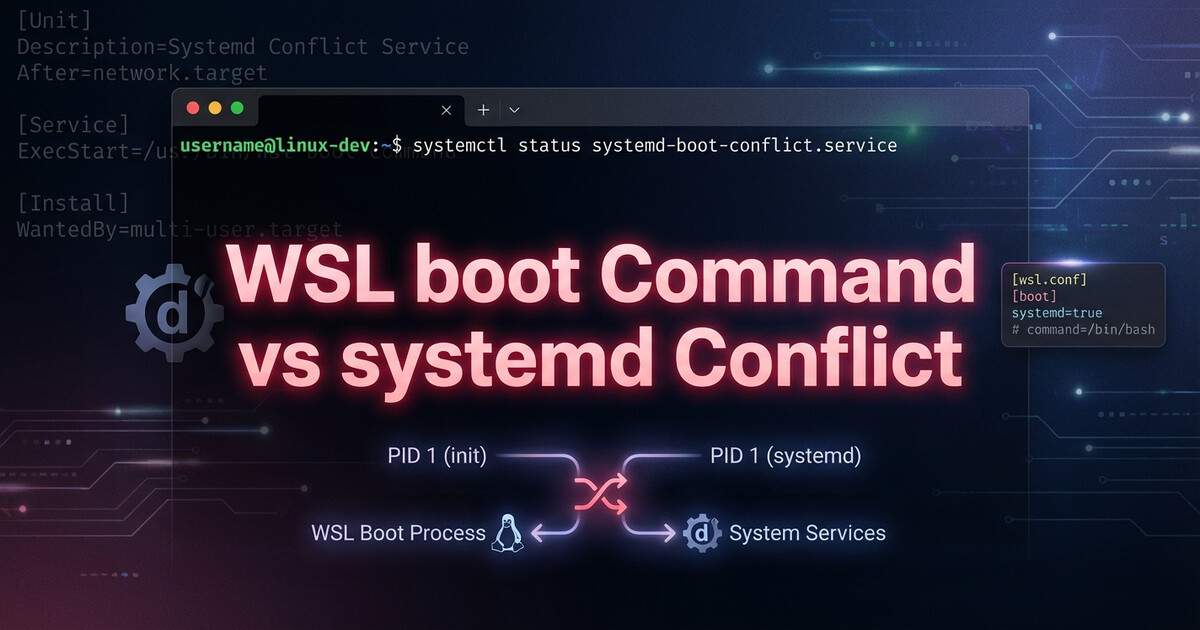
When you enable systemd in WSL2, it becomes PID 1. The traditional boot command runs before systemd starts, but systemd remounts everything and resets the environment. Your boot script ran, but systemd wiped it out.
The Solution: Use systemd Services
Stop fighting systemd. Use it instead. Create a proper systemd service:
# /etc/systemd/system/my-startup.service
[Unit]
Description=My WSL Startup Script
After=network.target

[Service]
Type=oneshot
ExecStart=/usr/local/bin/my-startup.sh
RemainAfterExit=yes

[Install]
WantedBy=multi-user.target
Enable it: sudo systemctl enable my-startup.service
Takeaway
When systemd=true, forget the boot command exists. Create systemd services like you would on any Linux system. It’s more work upfront, but it actually works.
Leave a Reply