Table of Contents
📖 1 minute read
Google Drive is mounted. The folder exists. You open a file. It’s empty or throws an error. Welcome to the cloud storage race condition.
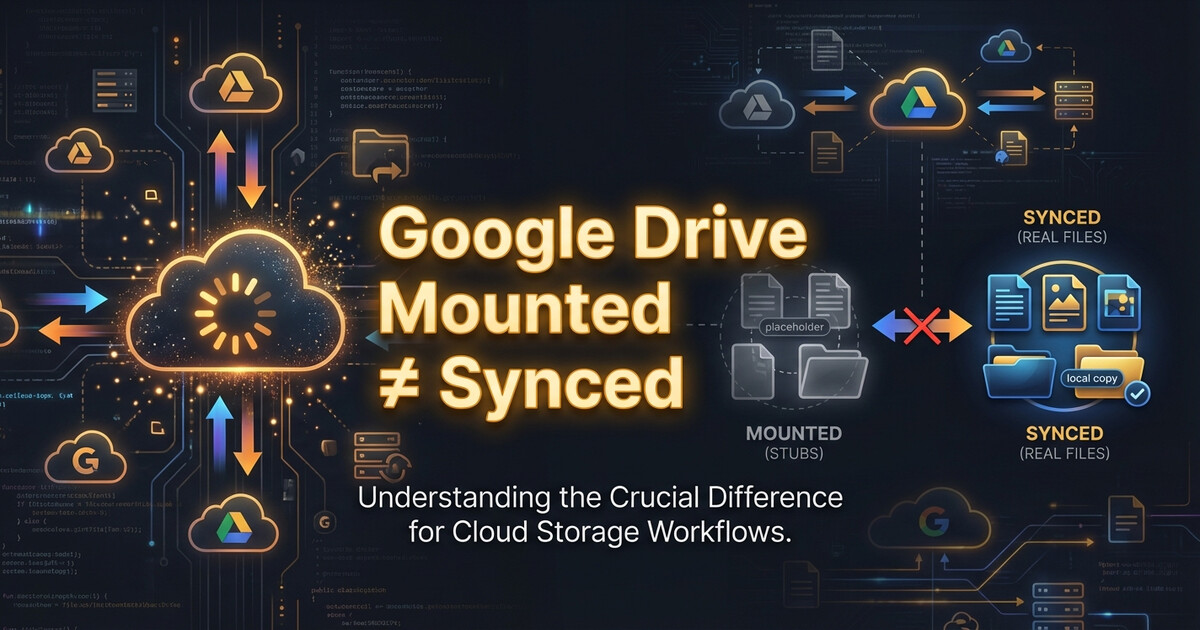
Mounted ≠ Synced
Cloud storage clients (Google Drive, OneDrive, Dropbox) mount folders immediately on startup. But syncing the actual files? That happens in the background. The folder exists, but the files are stubs waiting to download.
If your startup script tries to read those files before sync completes, you’ll get random failures.
The Fix: Wait for Sync
Check if files are actually synced before using them:
#!/bin/bash
FILE="/path/to/cloud-storage/config.json"

while [ ! -s "$FILE" ]; do
    echo "Waiting for $FILE to sync..."
    sleep 2
done

echo "File synced, proceeding..."
The -s flag checks if the file exists and has content (not a 0-byte stub).
Takeaway
Cloud storage mount operations are instant lies. Always verify files are actually synced before using them in startup scripts. Check for file size, not just existence.
Leave a Reply