Table of Contents
Running multiple background processes in a Docker container and trying to figure out which one is logging what? If you’re piping through sed for prefixes, stop. There’s a one-liner that handles this properly.
The Problem
You have a container running two webpack watchers (or any two long-running processes). The logs are interleaved and you can’t tell which output came from where:
npm run hot &
npm run watch:admin &
wait
Every line looks the same in docker logs. When something breaks, good luck figuring out which process errored.
The sed Approach (Don’t Do This)
First instinct is usually piping through sed:
npm run hot 2>&1 | sed 's/^/[HOT] /' &
npm run watch:admin 2>&1 | sed 's/^/[ADMIN] /' &
wait
This looks clean but has a nasty buffering problem. Pipes buffer output in chunks (typically 4KB), so you won’t see lines in real-time. You’ll get nothing for minutes, then a wall of prefixed text all at once. Not useful for watching builds.
GNU Parallel to the Rescue
GNU Parallel has two flags that solve this perfectly:
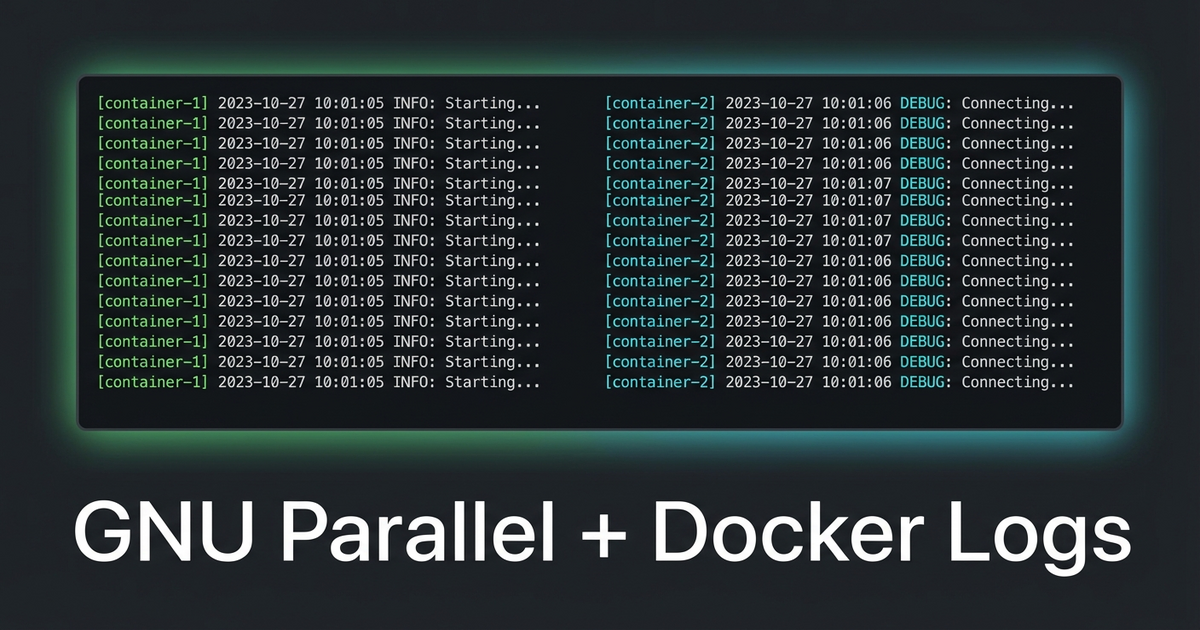
parallel --tag --line-buffer ::: "npm run hot" "npm run watch:admin"--tag prefixes every output line with the command that produced it. --line-buffer flushes output line-by-line instead of waiting for the process to finish. Together, you get real-time prefixed output with zero buffering issues:
npm run hot        webpack compiled successfully in 2847 ms
npm run watch:admin  webpack compiled successfully in 1923 ms
npm run hot        webpack compiled successfully in 412 ms
In Docker
Your Dockerfile needs GNU Parallel installed (apt-get install parallel or apk add parallel), then your compose command becomes:
command:
  - /bin/bash
  - -c
  - |
    npm install
    parallel --tag --line-buffer ::: "npm run hot" "npm run watch:admin"
No background processes, no wait, no buffering hacks. Parallel manages both processes and exits if either one dies.
Why –line-buffer Matters
Without --line-buffer, GNU Parallel groups output by job — it waits until a job finishes before showing its output. That’s fine for batch processing but terrible for long-running watchers. The --line-buffer flag trades a tiny bit of CPU for real-time line-by-line output with proper prefixing. For dev tooling, that tradeoff is always worth it.
Leave a Reply