Category: PHP

  • Type Hint Your Closures: Let PHP Catch Data Structure Bugs For You

    Here’s a debugging scenario: you’re iterating a collection with a typed closure, and PHP throws a TypeError at runtime. Annoying? Yes. But also incredibly useful — the type hint just caught a data structure bug that would have silently corrupted your output.

    The Bug

    Imagine a collection that’s supposed to contain model objects. You write a clean, typed closure:

    $tasks = $project->tasks; // Should be Collection of Task objects
    
    $formatted = $tasks->map(fn(Task $task) => [
        'title' => $task->title,
        'status' => $task->status_code,
        'assignee' => $task->assigned_to,
    ]);

    This works perfectly — until the day a refactor changes how tasks are loaded and some entries come back as raw arrays from a join query instead of hydrated Eloquent models:

    TypeError: App\Services\ReportService::App\Services\{closure}():
    Argument #1 ($task) must be of type App\Models\Task,
    array given

    Without the Type Hint

    If you’d written fn($task) => instead, there’s no error. The closure happily processes the array, but $task->title triggers a “trying to access property of non-object” warning (or silently returns null in older PHP). Your output has missing data. You might not notice until a user reports a broken export.

    Why This Matters

    The type hint acts as a runtime assertion. It doesn’t just document what you expect — it enforces it at the exact point where wrong data enters your logic. The error message tells you precisely what went wrong: you expected a Task object but got an array.

    This is especially valuable with Laravel collections, where data can come from multiple sources:

    // Eloquent relationship — returns Task objects ✅
    $project->tasks->map(fn(Task $t) => $t->title);
    
    // Raw query result — returns stdClass or array ❌
    DB::table('tasks')->where('project_id', $id)->get()
        ->map(fn(Task $t) => $t->title); // TypeError caught immediately
    
    // Cached data — might be arrays after serialization ❌
    Cache::get("project.{$id}.tasks")
        ->map(fn(Task $t) => $t->title); // TypeError caught immediately

    The Practice

    Type hint your closure parameters in collection operations. It costs nothing in happy-path performance and saves hours of debugging when data structures change unexpectedly:

    // Instead of this:
    $items->map(fn($item) => $item->name);
    
    // Do this:
    $items->map(fn(Product $item) => $item->name);
    $items->filter(fn(Invoice $inv) => $inv->isPaid());
    $items->each(fn(User $user) => $user->notify(new WelcomeNotification));

    It’s not about being pedantic with types. It’s about turning silent data corruption into loud, immediate, debuggable errors. Let PHP’s type system do the work your unit tests might miss.


  • Readonly Classes Can’t Use Traits in PHP 8.2 — Here’s the Fix

    PHP 8.2’s readonly class modifier is great for DTOs and value objects. But the moment you try to use a trait that declares non-readonly properties, PHP throws a fatal error at compile time.

    The Scenario

    You’re building a queued event listener as a clean readonly class. You need InteractsWithQueue for retry control — release(), attempts(), delete(). Seems straightforward:

    readonly class SendWelcomeEmail implements ShouldQueue
    {
        use InteractsWithQueue; // 💥 Fatal error
    
        public function __construct(
            public string $email,
            public string $name
        ) {}
    
        public function handle(Mailer $mailer)
        {
            if ($this->attempts() > 3) {
                $this->delete();
                return;
            }
            // Send the email...
        }
    }

    This explodes with:

    Fatal error: Readonly class SendWelcomeEmail cannot use trait
    with a non-readonly property InteractsWithQueue::$job

    Why It Happens

    A readonly class enforces that every property must be readonly. The InteractsWithQueue trait declares a $job property that Laravel’s queue system needs to write to at runtime. Since trait properties are merged into the using class, PHP rejects the non-readonly $job property at compile time.

    This isn’t just InteractsWithQueue — any trait with mutable properties will trigger the same error. Common Laravel culprits include Dispatchable, InteractsWithQueue, and any trait that maintains internal state.

    The Fix

    Drop readonly from the class declaration and mark individual properties as readonly instead:

    class SendWelcomeEmail implements ShouldQueue
    {
        use InteractsWithQueue;
    
        public function __construct(
            public readonly string $email,  // readonly per-property
            public readonly string $name    // readonly per-property
        ) {}
    
        public function handle(Mailer $mailer)
        {
            if ($this->attempts() > 3) {
                $this->delete();
                return;
            }
            // Send the email...
        }
    }

    You get the same immutability guarantee on your data properties while allowing the trait’s mutable properties to exist alongside them.

    The Rule

    Use readonly class for pure data objects that don’t use traits with mutable state — DTOs, value objects, API response models. The moment you need framework traits that maintain internal state (queue interaction, event dispatching, etc.), switch to per-property readonly declarations.

    It’s a small syntactic difference with a big compatibility impact. Check your traits before reaching for readonly class.

  • The $array = vs $array[] Gotcha: A One-Character PHP Bug

    This one-character bug caused 300 errors over two weeks and survived three separate pull requests without anyone catching it.

    // The bug
    foreach ($items as $item) {
        $notifications = new Notification($item['title'], $item['channel']);
    }
    
    // The fix
    foreach ($items as $item) {
        $notifications[] = new Notification($item['title'], $item['channel']);
    }
    

    See it? $notifications = vs $notifications[] =. One character: [].

    What Happened

    A notification import loop was building a collection of Notification objects to pass to a service. Each iteration was supposed to append to an array. Instead, it was overwriting the variable every time.

    Result: only the last Notification object survived. The service downstream expected a collection, got a single object, and threw a TypeError.

    Why It Survived Three PRs

    Here’s the interesting part. This bug was introduced in the initial implementation and persisted through two subsequent refactors:

    1. PR #1 — Initial feature implementation. The bug shipped with it.
    2. PR #2 — Added dynamic ID logic. Touched nearby code but didn’t notice the assignment.
    3. PR #3 — Added a nested foreach around the existing loop. Reviewers focused on the new outer logic and missed the inner loop body.

    Each PR added complexity around the bug without ever looking at the bug. The nested loop actually made it harder to spot because there was more code to review.

    How It Was Caught

    A type-hinted closure caught it:

    $collection->map(function (Notification $notification) {
        // TypeError: expected Notification, got array
    });
    

    PHP’s strict type hints acted as a runtime validator. Without the type hint, the code would have silently produced wrong data instead of throwing an error.

    The Debugging Workflow

    Once the error surfaced, git blame told the full story:

    # Find who last touched the line
    git blame path/to/Handler.php -L 366,366
    
    # Check the original PR
    git show abc123
    
    # Trace backwards through each change
    git log --follow -p -- path/to/Handler.php
    

    This revealed the bug was there from day one. Not a regression — an original sin.

    The Reproduce-Before-Fix Rule

    Before applying the fix, run the failing code to confirm you can reproduce the error. Then apply the fix and run it again. Two runs:

    1. Without fix: Error reproduced. Good, you’re testing the right thing.
    2. With fix: No error. Fix confirmed.

    If you can’t reproduce the bug, you can’t be sure your fix actually addresses it.

    Lessons

    • Type hints are free runtime validators. They catch data structure bugs that unit tests might miss.
    • Code review has blind spots when nested loops add visual complexity. Reviewers naturally focus on new code.
    • git blame is archaeology. Don’t just find who to blame — trace the full history to understand why the bug persisted.
    • Always reproduce before fixing. Two runs: one to confirm the bug, one to confirm the fix.
  • PHP 8 Strictness: Don’t Forget to Initialize Your Strings

    PHP 8 is stricter about uninitialized variables. Using the concatenation assignment operator (.=) on a variable that hasn’t been declared will now throw an ErrorException in most modern framework environments.

    
    // Throws ErrorException in PHP 8 if $content is undefined
    foreach ($items as $item) {
        $content .= $item->name;
    }
    
    // Correct
    $content = '';
    foreach ($items as $item) {
        $content .= $item->name;
    }
    

    Always initialize your string variables before entering a loop where you append data. This ensures forward compatibility and makes your code’s intent clearer.

  • Code Archaeology: How to Reverse-Engineer a Complex Operation

    Code Archaeology: How to Reverse-Engineer a Complex Operation

    You join a project mid-flight. There’s a complex operation that creates records, updates statuses, sends notifications, and touches three different services. You need to build the reverse of it. Nobody wrote docs.

    Welcome to code archaeology.

    The Approach That Actually Works

    Don’t start by reading the code top-to-bottom. Start by finding the entry point and tracing outward.

    # Find where the operation starts
    grep -rn "createOrder\|placeOrder\|submitOrder" app/ --include="*.php" -l
    
    # Find what events it fires
    grep -rn "event(\|dispatch(" app/Services/OrderService.php
    
    # Find what listeners react
    grep -rn "OrderCreated\|OrderPlaced" app/Listeners/ -l

    Build a map as you go. I literally open a scratch file and write:

    OrderService::create()
      -> validates input
      -> creates DB record
      -> fires OrderCreated event
         -> SendConfirmationEmail (listener)
         -> UpdateInventory (listener)
         -> NotifyWarehouse (listener)
      -> returns response

    Repository Pattern Makes This Harder

    If the codebase uses the repository pattern, the actual logic might be buried two or three layers deep. The controller calls the service, the service calls the repository, the repository has the Eloquent query. Grep is your best friend here.

    # When you can't find where the actual DB write happens
    grep -rn "->save()\|->create(\|->insert(" app/Repositories/ --include="*.php"

    The Undo Operation

    Once you have the map, building the reverse is mechanical. Each step in the forward operation needs a corresponding undo step, executed in reverse order. The hard part was never the coding. It was understanding what the original code actually does.

    Next time you’re staring at a method that calls six other methods across four files, resist the urge to “just figure it out” in your head. Write the map. It takes five minutes and saves five hours.

  • Add Optional Parameters Instead of Creating New Methods

    Add Optional Parameters Instead of Creating New Methods

    I just deleted 150 lines of code by adding one optional parameter. Here’s the pattern.

    The Duplicate Method Problem

    You have a method that works great. Then a new requirement comes in that’s almost the same, but with a slight twist. So you copy the method, tweak it, and now you have two methods that are 90% identical.

    public function getLabel(): string
    {
        return $this->name . ' (' . $this->code . ')';
    }
    
    public function getLabelForExport(): string
    {
        return $this->name . ' - ' . $this->code;
    }
    
    public function getLabelWithPrefix(): string
    {
        return strtoupper($this->code) . ': ' . $this->name;
    }

    Three methods. Three variations of essentially the same thing. And every time the underlying logic changes, you update all three (or forget one).

    Add a Parameter Instead

    public function getLabel(string $format = 'default'): string
    {
        return match ($format) {
            'export' => $this->name . ' - ' . $this->code,
            'prefix' => strtoupper($this->code) . ': ' . $this->name,
            default  => $this->name . ' (' . $this->code . ')',
        };
    }

    One method. One place to update. All existing calls that use getLabel() with no arguments keep working because the parameter has a default value.

    When to Use This

    This works when the methods share the same core logic and only differ in formatting, filtering, or a small behavioral switch. If the “variant” method has completely different logic, keep it separate.

    The signal to look for: two methods with nearly identical bodies where you keep having to update both. That’s your cue to merge them with an optional parameter.

    Bonus: PHP 8’s match() expression makes the branching clean. No messy if/else chains needed.

  • Interface Naming: Follow Your Parent Verb Pattern

    Interface Naming: Follow Your Parent Verb Pattern

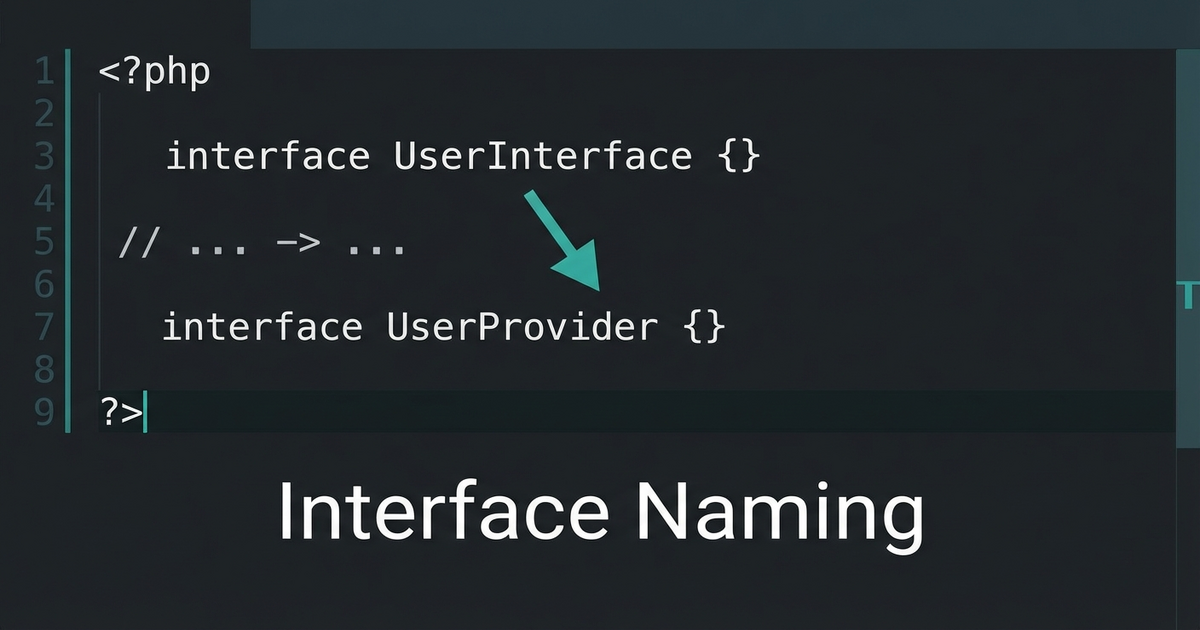
    Yesterday I was refactoring some code that had a messy inheritance hierarchy. A base class had a method called allowsRefund(), and a child interface was named SupportsPartialRefund.

    Read that out loud: “This class allows refund, and supports partial refund.” Two different verbs for the same concept. It’s subtle, but it makes the codebase harder to scan.

    The Fix

    Rename the interface to match the parent’s verb:

    // ❌ Mixed verbs
    class PaymentGateway
    {
        public function allowsRefund(): bool { ... }
    }
    
    interface SupportsPartialRefund
    {
        public function getPartialRefundLimit(): Money;
    }
    
    // ✅ Consistent verb pattern
    class PaymentGateway
    {
        public function allowsRefund(): bool { ... }
    }
    
    interface AllowsPartialRefund
    {
        public function getPartialRefundLimit(): Money;
    }

    Why This Matters

    When you’re scanning a class that implements multiple interfaces, consistent naming lets you instantly understand the hierarchy:

    class StripeGateway extends PaymentGateway
        implements AllowsPartialRefund, AllowsRecurringCharge
    {
        // The "Allows" prefix immediately tells you
        // these extend the parent's capability pattern
    }

    If one used Supports and another used Allows, you’d waste mental energy wondering if there’s a meaningful difference. (There isn’t.)

    The Rule

    When naming an interface that extends a parent class’s concept, use the same verb the parent uses. If the parent says allows, the interface says Allows. If the parent says supports, the interface says Supports. Don’t mix.

    Small naming consistency compounds across a large codebase.

  • Let the Codebase Vote: grep for Dominant Patterns

    Let the Codebase Vote: grep for Dominant Patterns

    When you join a large codebase and need to figure out the “right” way to do something, don’t guess. Don’t check the docs. Let the codebase vote.

    The Scenario

    You’re working in a Laravel app and need to get the current locale. Quick, which one do you use?

    // Option A
    App::getLocale()
    
    // Option B
    app()->getLocale()
    
    // Option C
    config('app.locale')

    They all work. But in a codebase with 200+ files touching locales, consistency matters more than personal preference.

    grep Is Your Democracy

    grep -r "App::getLocale" --include="*.php" | wc -l
    # 96
    
    grep -r "app()->getLocale" --include="*.php" | wc -l
    # 19
    
    grep -r "config('app.locale')" --include="*.php" | wc -l
    # 3

    The vote is 96-19-3. App::getLocale() wins by a landslide. That’s what you use. Discussion over.

    Why This Works

    The dominant pattern in a mature codebase exists for a reason. Maybe it was a conscious decision. Maybe it evolved naturally. Either way, it represents what the team actually does, not what someone thinks they should do.

    Following the majority means:

    • Your code looks like the rest of the codebase
    • grep and find-replace operations work consistently
    • New developers see one pattern, not three
    • Code reviews go faster because there’s nothing to debate

    More Examples

    This technique works for any “multiple valid approaches” question:

    # String helpers: str() vs Str:: vs helper
    grep -r "Str::" --include="*.php" | wc -l
    grep -r "str_" --include="*.php" | wc -l
    
    # Config access: config() vs Config::
    grep -r "config(" --include="*.php" | wc -l
    grep -r "Config::" --include="*.php" | wc -l
    
    # Route definitions: Route::get vs Route::resource
    grep -r "Route::get" routes/ | wc -l
    grep -r "Route::resource" routes/ | wc -l

    When to Override the Vote

    The only time you should go against the majority is when the dominant pattern is actively harmful — deprecated functions, security issues, or patterns that cause real bugs. In those cases, file a tech debt ticket and migrate everything at once. Don’t create a third pattern.

  • Let Your Return Types Evolve: From Bool to Union Types

    Let Your Return Types Evolve: From Bool to Union Types

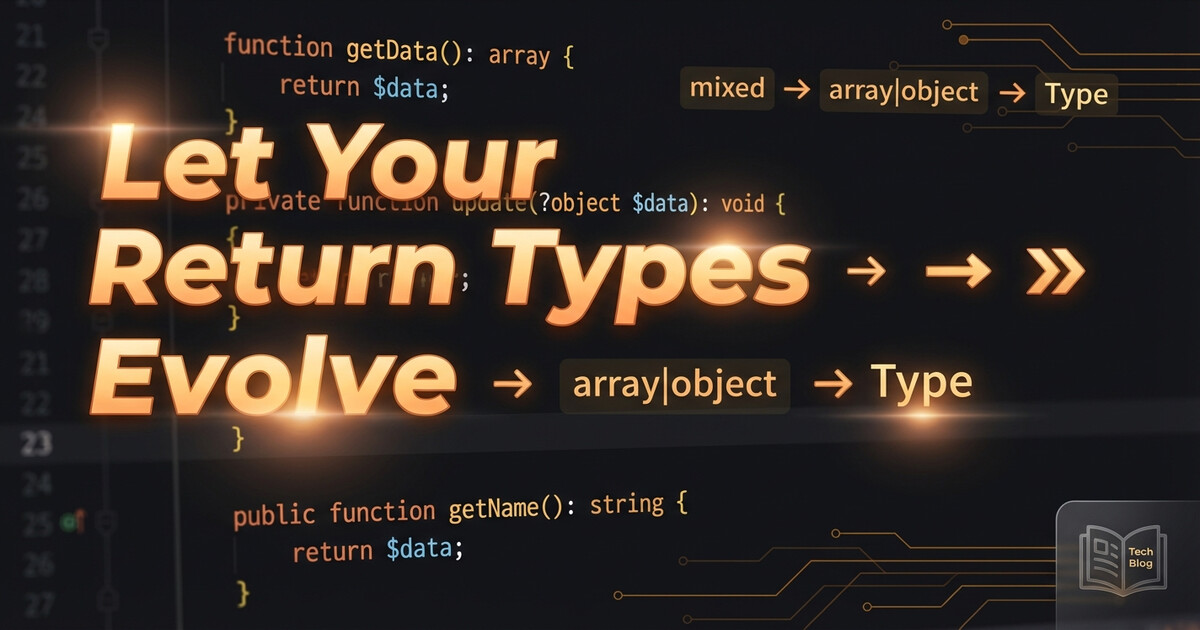
    Here’s a pattern I keep seeing in real codebases: a method starts returning bool, then requirements grow, and the return type evolves through several stages. Each stage tells you something about what the method is actually doing.

    Stage 1: The Boolean

    public function validate(array $data): bool
    {
        if (empty($data['email'])) {
            return false;
        }
        
        // ... more checks
        
        return true;
    }

    Simple. Did it work? Yes or no. But the caller has no idea why it failed.

    Stage 2: true or String

    public function validate(array $data): true|string
    {
        if (empty($data['email'])) {
            return 'Email is required';
        }
        
        if (!filter_var($data['email'], FILTER_VALIDATE_EMAIL)) {
            return 'Invalid email format';
        }
        
        return true;
    }

    Now the caller gets context. true means success, a string means “here’s what went wrong.” The true type (PHP 8.2+) makes this explicit — you can’t accidentally return false.

    The calling code reads naturally:

    $result = $validator->validate($input);
    
    if ($result !== true) {
        // $result is the error message
        throw new ValidationException($result);
    }

    Stage 3: Array or String

    public function process(array $items): array|string
    {
        if (empty($items)) {
            return 'No items to process';
        }
        
        $results = [];
        foreach ($items as $item) {
            $results[] = $this->transform($item);
        }
        
        return $results;
    }

    The method got smarter. On success it returns structured data, on failure it returns why. The union type documents this contract right in the signature.

    When to Use Each

    • bool — When the caller truly only needs yes/no (toggle states, feature flags, existence checks)
    • true|string — When failure needs explanation but success is just “it worked”
    • array|string — When success produces data and failure needs explanation

    The Takeaway

    If you find yourself adding error logging inside a method that returns bool, that’s the signal. The method wants to tell you more than just true/false. Let the return type evolve to match what the method actually knows.

    Union types aren’t just a PHP 8 feature to know about — they’re documentation that lives in the code itself. When you see true|string, you immediately know: success is silent, failure talks.

  • Use Match Expressions for Clean API Enum Mapping

    Use Match Expressions for Clean API Enum Mapping

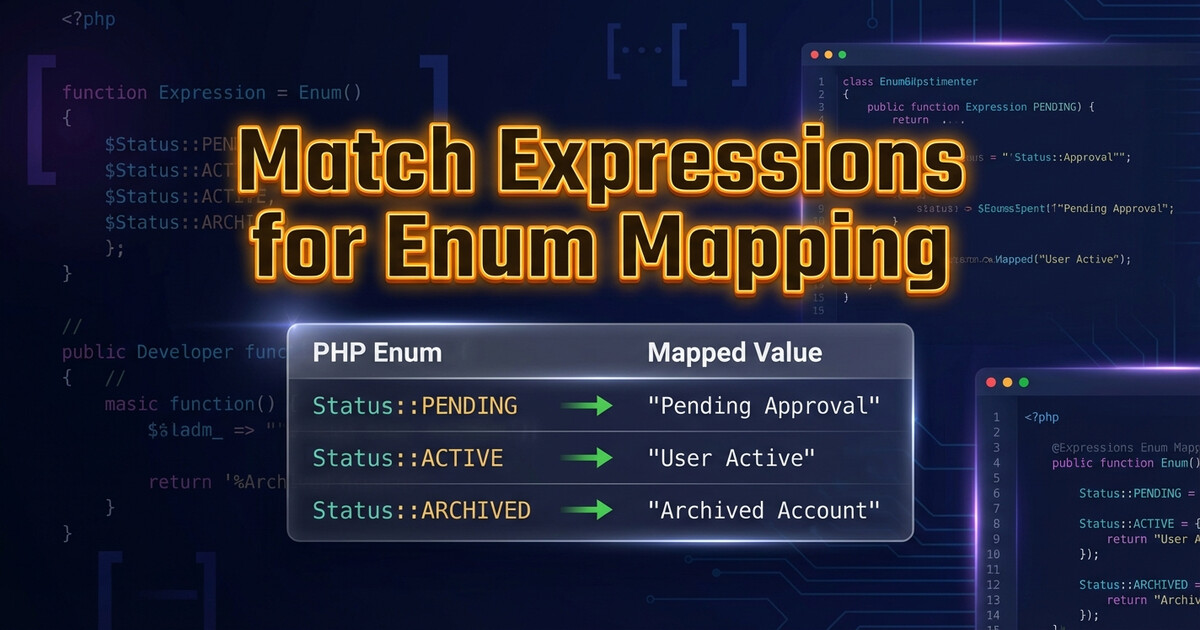
    Mapping between your internal enums and an external API’s codes? PHP 8’s match() expression was built for this.

    The Old Way

    // ❌ Verbose and error-prone
    function mapStatus(string $apiCode): string {
        if ($apiCode === 'ACT') return 'active';
        if ($apiCode === 'INA') return 'inactive';
        if ($apiCode === 'PND') return 'pending';
        if ($apiCode === 'CAN') return 'cancelled';
        throw new \InvalidArgumentException("Unknown code: $apiCode");
    }

    The Clean Way

    // ✅ Exhaustive, readable, safe
    function mapStatus(string $apiCode): string {
        return match($apiCode) {
            'ACT' => 'active',
            'INA' => 'inactive',
            'PND' => 'pending',
            'CAN' => 'cancelled',
            default => throw new \InvalidArgumentException(
                "Unknown status code: $apiCode"
            ),
        };
    }

    Why match() Is Better

    • Strict comparison — no type juggling surprises
    • Expression, not statement — can assign directly to a variable
    • Exhaustive default — forces you to handle unknown values
    • Readable — the mapping is a clean lookup table

    Takeaway

    Use match() for any code-to-value mapping. It’s cleaner than if/else chains, safer than arrays (because of the default throw), and reads like a lookup table.