Author: Daryle De Silva

  • Run the Command, Then Build What It Needs

    Run the Command, Then Build What It Needs

    When integrating with a complex third-party API, don’t try to architect everything upfront. Start by running the integration point and let the errors guide you.

    The Anti-Pattern

    You read the API docs (if they exist). You design your data models. You write adapters, mappers, and DTOs. Then you finally make your first API call and… nothing works as documented.

    The Better Way

    Run the command first. Let it fail. Each error tells you exactly what to build next:

    # Step 1: Try the API call
    php artisan integration:sync
    
    # Error: "Class ApiClient not found"
    # → Build the client
    
    # Error: "Missing authentication"  
    # → Add the auth flow
    
    # Error: "Cannot map response to DTO"
    # → Build the DTO from the actual response

    Why This Works

    Errors are free documentation. Each one tells you the next thing to build — nothing more. You avoid over-engineering, and every line of code you write solves an actual problem.

    Takeaway

    Stop planning. Start running. Let errors drive your implementation order. You’ll ship faster and build only what you actually need.

  • Tinker for Quick Regex Validation Before Committing

    Tinker for Quick Regex Validation Before Committing

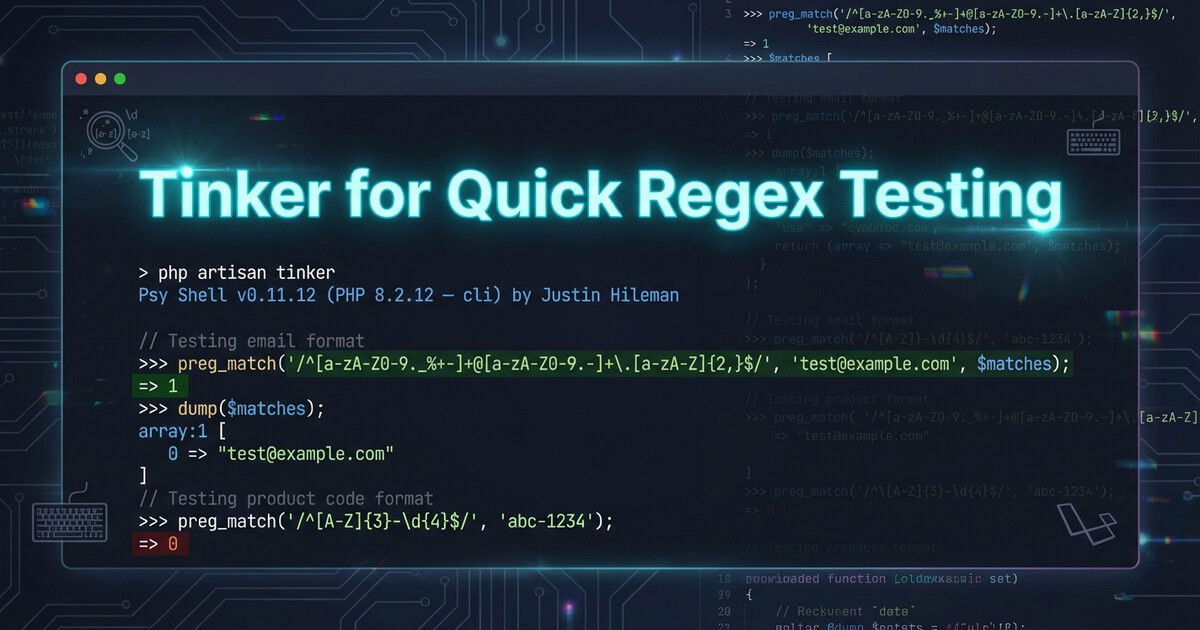
    Testing regex patterns before committing them? Don’t fire up a whole test suite. Use tinker --execute for instant validation.

    The Fast Way

    Laravel’s tinker has an --execute flag that runs code and exits. Perfect for one-liner regex tests:

    php artisan tinker --execute="var_dump(preg_match('/^(?=.*cat)(?=.*dog)/', 'cat and dog'))"

    Output: int(1) (match found)

    Try another:

    php artisan tinker --execute="var_dump(preg_match('/^(?=.*cat)(?=.*dog)/', 'only cat here'))"

    Output: int(0) (no match)

    Why It’s Better

    No need to:

    • Write a test file
    • Create a route
    • Open an interactive REPL session
    • Fire up PHPUnit

    Just run, check output, adjust pattern, run again. Fast feedback loop.

    Takeaway

    Use tinker --execute for quick regex (and other code) validation. It runs in your app context with all your dependencies loaded. Way faster than writing throwaway test files.

  • Regex Lookaheads: Check Multiple Words Without Verbose Permutations

    Regex Lookaheads: Check Multiple Words Without Verbose Permutations

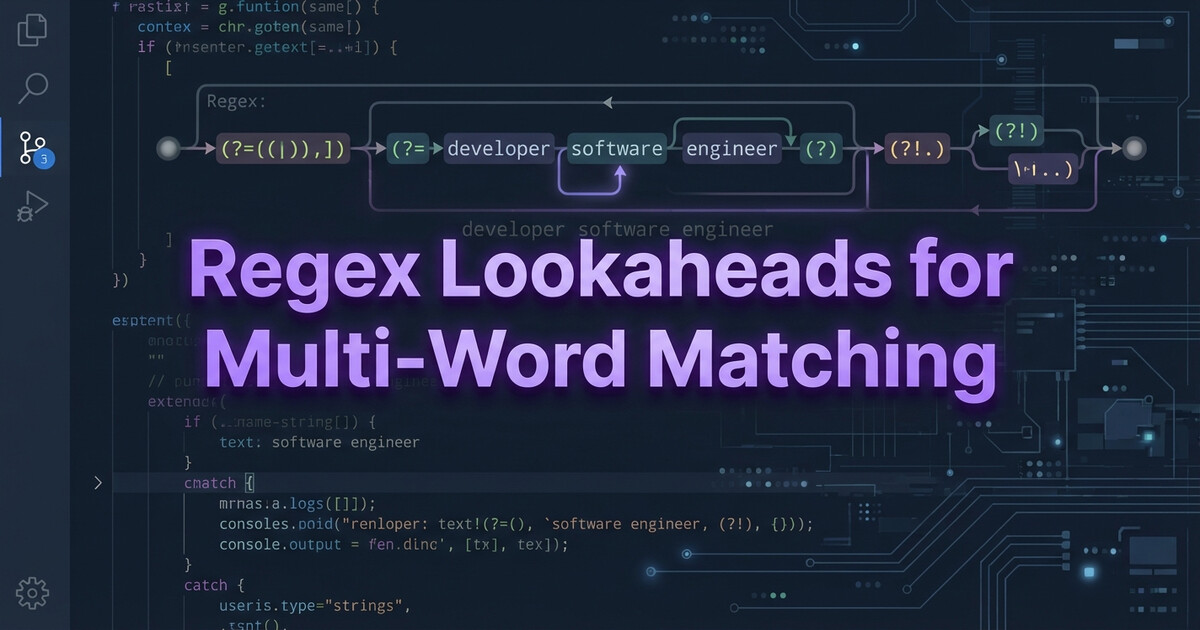
    Need to validate that a string contains multiple words in any order? Don’t write 6 permutations of the same regex. Use positive lookaheads instead.

    The Problem

    You want to check if a string contains “cat” AND “dog” AND “bird” in any order. The naive approach is a mess of permutations — 6 for 3 words, 24 for 4 words. No thanks.

    The Fix: Chained Positive Lookaheads

    $pattern = '/^(?=.*cat)(?=.*dog)(?=.*bird)/';
    $text = 'I saw a bird, then a cat, then a dog';
    
    if (preg_match($pattern, $text)) {
        echo 'All three words found!';
    }

    Each (?=.*word) is a separate assertion. All must pass. Order doesn’t matter. Add a fourth word? Add one more lookahead. Clean and scalable.

    Takeaway

    Positive lookaheads let you check multiple conditions without caring about order. Use (?=.*word) for each required word. Works in PHP, JavaScript, Python — basically everywhere.

  • Google Drive Mounted ≠ Google Drive Synced

    Google Drive Mounted ≠ Google Drive Synced

    Google Drive is mounted. The folder exists. You open a file. It’s empty or throws an error. Welcome to the cloud storage race condition.

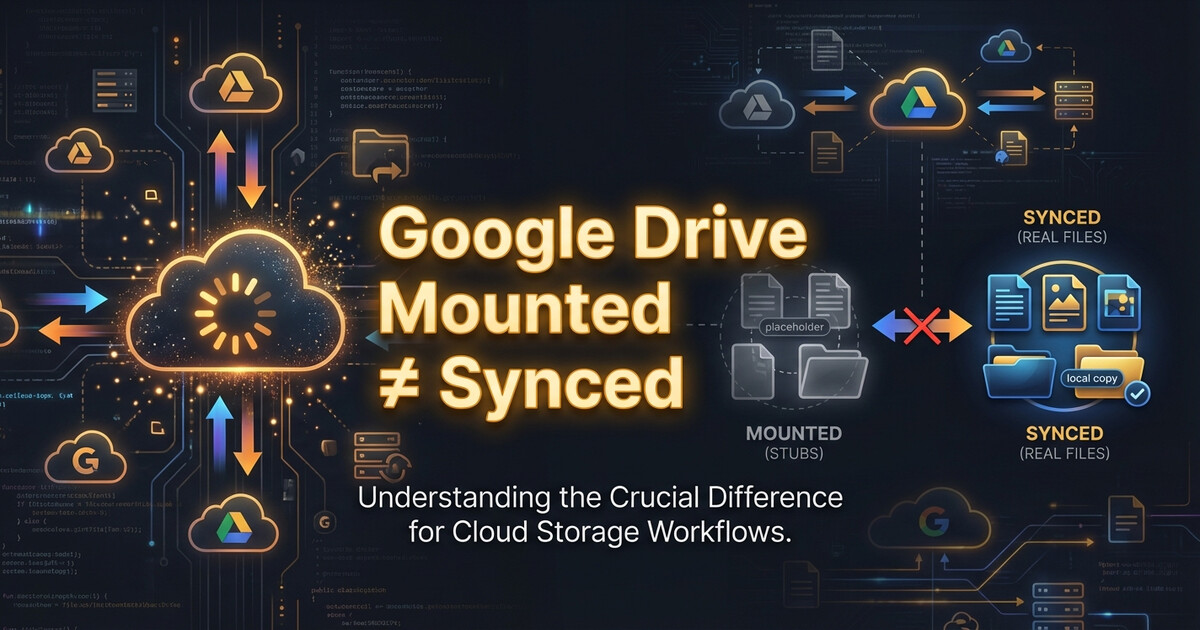
    Mounted ≠ Synced

    Cloud storage clients (Google Drive, OneDrive, Dropbox) mount folders immediately on startup. But syncing the actual files? That happens in the background. The folder exists, but the files are stubs waiting to download.

    If your startup script tries to read those files before sync completes, you’ll get random failures.

    The Fix: Wait for Sync

    Check if files are actually synced before using them:

    #!/bin/bash
    FILE="/path/to/cloud-storage/config.json"
    
    while [ ! -s "$FILE" ]; do
        echo "Waiting for $FILE to sync..."
        sleep 2
    done
    
    echo "File synced, proceeding..."

    The -s flag checks if the file exists and has content (not a 0-byte stub).

    Takeaway

    Cloud storage mount operations are instant lies. Always verify files are actually synced before using them in startup scripts. Check for file size, not just existence.

  • Why WSL boot Command Doesn’t Work When systemd=true

    Why WSL boot Command Doesn’t Work When systemd=true

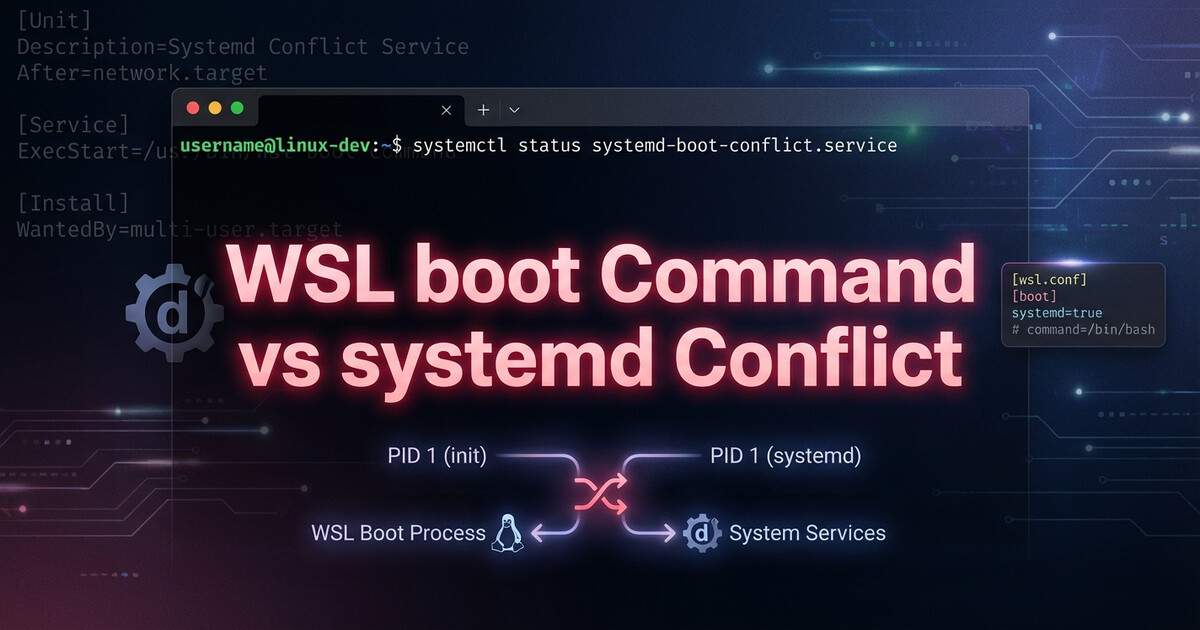
    Enabled systemd=true in WSL2 and suddenly your boot commands stopped working? Yeah, that’s by design. The boot command in wsl.conf doesn’t play nice with systemd.

    Why It Breaks

    When you enable systemd in WSL2, it becomes PID 1. The traditional boot command runs before systemd starts, but systemd remounts everything and resets the environment. Your boot script ran, but systemd wiped it out.

    The Solution: Use systemd Services

    Stop fighting systemd. Use it instead. Create a proper systemd service:

    # /etc/systemd/system/my-startup.service
    [Unit]
    Description=My WSL Startup Script
    After=network.target
    
    [Service]
    Type=oneshot
    ExecStart=/usr/local/bin/my-startup.sh
    RemainAfterExit=yes
    
    [Install]
    WantedBy=multi-user.target

    Enable it: sudo systemctl enable my-startup.service

    Takeaway

    When systemd=true, forget the boot command exists. Create systemd services like you would on any Linux system. It’s more work upfront, but it actually works.

  • WSL2 Boots Before Windows Services (And How to Fix It)

    WSL2 Boots Before Windows Services (And How to Fix It)

    Here’s a fun edge case: WSL2 can boot faster than Windows services start. Your boot script tries to mount a network drive? Fails. Connect to a VPN? Not running yet. Access a Windows service? Still loading.

    The Race Condition

    WSL2 starts almost instantly when Windows boots. Windows services? They take their sweet time. If your WSL boot script depends on them, you’ll get random failures on startup.

    The Fix: Retry Loop

    Instead of hoping the service is ready, add a retry loop with exponential backoff:

    #!/bin/bash
    MAX_RETRIES=5
    RETRY=0
    
    while [ $RETRY -lt $MAX_RETRIES ]; do
        if mount_network_drive; then
            echo "Mounted successfully"
            break
        fi
        RETRY=$((RETRY + 1))
        sleep $((2 ** RETRY))  # 2, 4, 8, 16, 32 seconds
    done

    Takeaway

    WSL2 boot scripts can’t assume Windows is fully ready. Add retries with backoff for anything that depends on Windows services. Your future self will thank you when it works on the first boot after a restart.

  • Laravel Events: Stop Calling Services Directly

    Laravel Events: Stop Calling Services Directly

    You’re building a workflow. When an order is cancelled, you need to process a refund. The straightforward approach: call the refund service directly.

    But that creates coupling you’ll regret later.

    The Tight-Coupling Trap

    Here’s what most developers write first:

    class CancelOrderService
    {
        public function __construct(
            private RefundService $refundService
        ) {}
        
        public function cancel(Order $order): void
        {
            $order->update(['status' => 'cancelled']);
            
            // Directly call refund logic
            if ($order->payment_status === 'paid') {
                $this->refundService->process($order);
            }
        }
    }

    This works. But now:

    • CancelOrderService knows about refunds
    • Adding more post-cancellation logic (notifications, inventory updates, analytics) means editing this class every time
    • Testing cancellation requires mocking refund logic

    You’ve tightly coupled two separate concerns.

    Event-Driven Decoupling

    Instead, dispatch an event and let listeners handle side effects:

    class CancelOrderService
    {
        public function cancel(Order $order): void
        {
            $order->update(['status' => 'cancelled']);
            
            // Broadcast what happened, don't dictate what happens next
            event(new OrderCancelled($order));
        }
    }

    Now the cancellation service doesn’t know or care what happens after. It announces the cancellation and moves on.

    Listeners Do the Work

    Register listeners to handle post-cancellation tasks:

    // app/Providers/EventServiceProvider.php
    
    protected $listen = [
        OrderCancelled::class => [
            ProcessAutomaticRefund::class,
            NotifyCustomer::class,
            UpdateInventory::class,
            LogAnalytics::class,
        ],
    ];

    Each listener is independent:

    class ProcessAutomaticRefund
    {
        public function __construct(
            private RefundService $refundService
        ) {}
        
        public function handle(OrderCancelled $event): void
        {
            $order = $event->order;
            
            if ($order->payment_status === 'paid') {
                $this->refundService->process($order);
            }
        }
    }

    Now you can:

    • Add listeners without touching the cancellation logic
    • Remove listeners when features are deprecated
    • Test independently — cancel logic doesn’t know refund logic exists
    • Queue listeners individually for better performance

    When to Use Events

    Use events when:

    • Multiple things need to happen: One action triggers several side effects
    • Logic might expand: You anticipate adding more post-action tasks
    • Cross-domain concerns: Orders triggering inventory, notifications, analytics
    • Async processing: Some tasks can be queued, others need to run immediately

    Skip events when:

    • Single responsibility: Only one thing ever happens
    • Tight integration required: Caller needs return values or transaction control
    • Simple workflows: Over-engineering a two-step process

    Bonus: Queue Listeners Selectively

    Make slow listeners async:

    class NotifyCustomer implements ShouldQueue
    {
        public function handle(OrderCancelled $event): void
        {
            // Runs in background, doesn't slow down cancellation
            Mail::to($event->order->customer)->send(new OrderCancelledEmail());
        }
    }

    Now critical listeners (refund) run immediately, while optional ones (email) queue in the background.

    The Takeaway

    Stop calling side effects directly. Dispatch events instead. Your code becomes more modular, testable, and flexible. When requirements change (they always do), you add a listener instead of refactoring core logic.

    Events aren’t overkill — they’re how you build systems that scale without breaking.

  • Laravel Table Names: When Singular Breaks Your Queries

    Laravel Table Names: When Singular Breaks Your Queries

    You write a raw query in Laravel. It works in staging. You push to production, and suddenly: Table ‘database.products’ doesn’t exist.

    Plot twist: The table is called product (singular). Welcome to the world of legacy databases.

    Laravel’s Plural Assumption

    Laravel’s Eloquent ORM follows a convention: table names are plural, model names are singular.

    // Model: Product
    // Expected table: products (plural)
    
    class Product extends Model
    {
        // Laravel auto-assumes 'products' table
    }

    This works great… until you inherit a database where someone used singular table names.

    The Problem with Raw Queries

    When you use Eloquent methods, Laravel uses $model->getTable(), which you can override:

    class Product extends Model
    {
        protected $table = 'product'; // Override to singular
    }
    
    // Eloquent queries work fine
    Product::where('status', 'active')->get();

    But raw queries don’t use getTable():

    // ❌ Breaks if table is actually 'product' (singular)
    DB::table('products')->where('status', 'active')->get();
    
    // ❌ Also breaks
    DB::select("SELECT * FROM products WHERE status = ?", ['active']);

    The Fix: Use Model Table Names

    Always reference the model’s table name dynamically:

    // ✅ Uses the model's $table property
    $table = (new Product)->getTable();
    
    DB::table($table)->where('status', 'active')->get();
    
    // ✅ Or inline
    DB::table((new Product)->getTable())
        ->where('status', 'active')
        ->get();

    For raw SQL strings:

    $table = (new Product)->getTable();
    
    DB::select("SELECT * FROM {$table} WHERE status = ?", ['active']);

    Now if the table name changes (migration, refactor, database merge), you update it once in the model.

    Why This Happens

    Common scenarios where table names don’t match Laravel conventions:

    • Legacy databases: Built before Laravel, different naming standards
    • Multi-framework codebases: Database shared between Laravel and another app
    • Database naming policies: Company standards enforce singular table names
    • Third-party integrations: External systems dictate schema

    Bonus: Check All Your Models

    Want to see which models override table names?

    grep -r "protected \$table" app/Models/

    Or in Tinker:

    collect(get_declared_classes())
        ->filter(fn($c) => is_subclass_of($c, Model::class))
        ->mapWithKeys(fn($c) => [$c => (new $c)->getTable()])
        ->toArray();

    The Takeaway

    Never hardcode table names in queries. Use getTable() to respect model configuration. When the table name changes, your queries won’t break.

    Future-you debugging at 2 AM will thank you.
  • Laravel Collections: Use put() for Automatic Deduplication

    Laravel Collections: Use put() for Automatic Deduplication

    You’re fetching products from multiple overlapping API requests. Maybe paginated results, maybe different filters that return some of the same items. You push them all into a collection and end up with duplicates.

    There’s a better way than calling unique() at the end.

    The Problem with Push

    Here’s the naive approach:

    $results = collect([]);
    
    // Loop through multiple API calls
    foreach ($queries as $query) {
        $response = Http::get('/api/products', $query);
        
        foreach ($response->json('data') as $product) {
            $results->push($product);
        }
    }
    
    // Now de-duplicate
    $results = $results->unique('id');

    This works, but you’re storing duplicates in memory the entire time, then filtering them out at the end. With large datasets, that’s wasteful.

    Use Put() with Keys

    Instead of push(), use put() with the product ID as the key:

    $results = collect([]);
    
    foreach ($queries as $query) {
        $response = Http::get('/api/products', $query);
        
        foreach ($response->json('data') as $product) {
            // Key by product ID — duplicates auto-overwrite
            $results->put($product['id'], $product);
        }
    }
    
    // No need for unique() — collection is already deduplicated

    Now when the same product ID appears twice, the second one overwrites the first. Automatic deduplication during collection, not after.

    Why This Is Better

    • Constant memory: Each unique product ID only stored once
    • No post-processing: Skip the unique() call entirely
    • Latest data wins: If data changes between API calls, you keep the freshest version

    Don’t Need the Keys?

    If you need a sequential array at the end (without the ID keys), just call values():

    $results = $results->values();
    
    // Now indexed [0, 1, 2, ...] instead of [123, 456, ...]

    Works for Any Unique Identifier

    This pattern works for any deduplication scenario:

    // Dedup users by email
    $users->put($user['email'], $user);
    
    // Dedup orders by order number
    $orders->put($order['order_number'], $order);
    
    // Dedup products by SKU
    $products->put($product['sku'], $product);

    When Push() Is Better

    Use push() when:

    • You want duplicates (like tracking multiple events)
    • You need insertion order preserved without keys
    • Items don’t have a natural unique identifier

    Otherwise, put() with keys is your friend.

    The Takeaway

    Stop using push() + unique(). Use put() with a unique key for automatic deduplication during collection. Cleaner code, less memory, same result.

  • Dry-Run Mode with Transaction Rollback

    Dry-Run Mode with Transaction Rollback

    You’re about to run a one-off script that updates 10,000 database records. You’ve tested it on staging. You’ve code-reviewed it. But you still want to see exactly what it’ll do in production before committing.

    Enter: the dry-run transaction pattern.

    The Problem with Fake Dry-Runs

    Most “dry-run” modes look like this:

    if ($dryRun) {
        $this->info("Would update order #{$order->id}");
    } else {
        $order->update(['status' => 'processed']);
    }

    The issue? You’re not running the real code. If there’s a bug in the actual update logic — a constraint violation, a triggered event that fails, a missing column — you won’t find out until you run it for real.

    The Transaction Rollback Trick

    Instead, run the actual code path, but wrap it in a transaction and roll it back:

    use Illuminate\Support\Facades\DB;
    
    class ProcessOrdersCommand extends Command
    {
        public function handle()
        {
            $dryRun = $this->option('dry-run');
            
            if ($dryRun) {
                $this->warn('🔍 DRY-RUN MODE — changes will be rolled back');
                DB::beginTransaction();
            }
            
            try {
                $orders = Order::pending()->get();
                
                foreach ($orders as $order) {
                    $order->update(['status' => 'processed']);
                    $this->info("✓ Processed order #{$order->id}");
                }
                
                if ($dryRun) {
                    DB::rollback();
                    $this->info('✅ Dry-run complete — no changes saved');
                } else {
                    $this->info('✅ All changes committed');
                }
                
            } catch (\Exception $e) {
                if ($dryRun) {
                    DB::rollback();
                }
                throw $e;
            }
        }
    }

    What You Get

    With this pattern:

    • Real execution: Every query runs, every constraint is checked
    • Event triggers fire: Model observers, jobs, notifications — all execute
    • Nothing persists: Rollback undoes all database changes
    • Safe preview: See exactly what would happen, but commit nothing

    Bonus: Track What Changed

    Want to see before/after values?

    $changes = [];
    
    foreach ($orders as $order) {
        $original = $order->toArray();
        $order->update(['status' => 'processed']);
        $changes[] = [
            'id' => $order->id,
            'before' => $original['status'],
            'after' => $order->status
        ];
    }
    
    if ($dryRun) {
        $this->table(['ID', 'Before', 'After'], 
            array_map(fn($c) => [$c['id'], $c['before'], $c['after']], $changes)
        );
    }

    Now your dry-run shows a summary table of what would change.

    When Not to Use This

    This pattern doesn’t help with:

    • External API calls: Transaction rollback won’t undo HTTP requests
    • File operations: Transactions don’t cover filesystem changes
    • Email/notifications: Side effects outside the database still fire

    For those, you still need conditional logic or feature flags.

    The Takeaway

    Dry-run via transaction rollback tests your real code path. If it works in dry-run, it works for real. No surprises, no “but it worked in staging” excuses.

    Add --dry-run to every risky command. Your production database will thank you.