Author: Daryle De Silva

  • Ollama Model Tags: Don’t Overwrite Your Base Models

    Ollama Model Tags: Don’t Overwrite Your Base Models

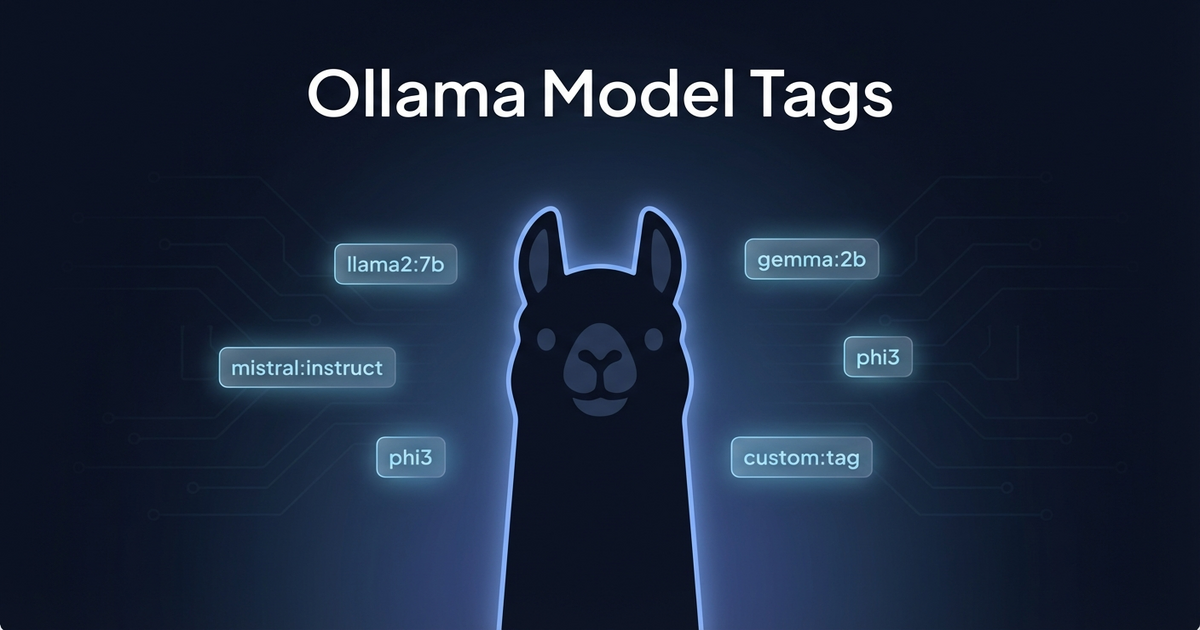
    Here’s a trap that’ll bite you exactly once with Ollama: if you run ollama create using the same name as an existing model, it overwrites the original. No warning, no confirmation, just gone.

    The Scenario

    Say you pulled mistral:7b-instruct and want to customize it with a new system prompt or different parameters. You write a Modelfile:

    FROM mistral:7b-instruct
    SYSTEM "You are a code reviewer..."
    PARAMETER temperature 0.3

    Then you run:

    ollama create mistral:7b-instruct -f Modelfile

    Congratulations, you just replaced your base model. The original mistral:7b-instruct is now your customized version. Want the vanilla one back? Time to re-pull it.

    The Fix

    Always use a distinct tag name for your customizations:

    # Copy the base first (shares blobs, no extra disk)
    ollama cp mistral:7b-instruct mistral:7b-instruct-base
    
    # Create your custom version with a NEW name
    ollama create mistral:7b-code-reviewer -f Modelfile

    The ollama cp command shares the underlying blobs with the original, so it doesn’t double your disk usage. It’s basically free insurance.

    Naming Convention That Works

    I’ve settled on this pattern: base-model:size-purpose

    ollama list
    # mistral:7b-instruct          4.4 GB  (original)
    # mistral:7b-code-reviewer     4.4 GB  (custom)
    # mistral:7b-instruct-base     4.4 GB  (safety copy)
    # qwen2.5-coder:7b             4.7 GB  (original)

    The sizes look alarming but remember: copies share blobs. Actual disk usage is much lower than the sum suggests.

    Why This Matters

    When you’re iterating on Modelfile configs (tweaking temperature, system prompts, context length), you’ll run ollama create dozens of times. One slip with the wrong name and you’re re-downloading 4+ GB. Use distinct tags from the start and you’ll never have that problem.

  • Laravel Mix Parallel Builds Break mix-manifest.json

    Laravel Mix Parallel Builds Break mix-manifest.json

    Laravel Mix creates a mix-manifest.json file that maps your asset filenames to their versioned URLs. It’s the bridge between mix('build/js/app.js') in Blade and the actual hashed filename on disk. And if you run multiple Mix builds in parallel, they’ll destroy each other.

    The Problem

    Imagine you have a monolith with multiple frontends — a public marketing site, a documentation site, and an internal reporting tool. Each has its own webpack config:

    {
      "scripts": {
        "dev": "npm run dev:marketing & npm run dev:docs & npm run dev:reporting",
        "dev:marketing": "mix --mix-config=webpack.mix.marketing.js",
        "dev:docs": "mix --mix-config=webpack.mix.docs.js",
        "dev:reporting": "mix --mix-config=webpack.mix.reporting.js"
      }
    }

    Run npm run dev and all three compile simultaneously. Each one writes its own mix-manifest.json to public/. The last one to finish wins — the other two manifests are gone.

    Result: mix('build/js/marketing.js') throws “Mix manifest not found” errors for whichever build finished first.

    The Hot File Problem

    It gets worse with hot module replacement. npm run hot creates a public/hot file containing the webpack-dev-server URL. If you run two hot reloaders simultaneously, they fight over the same file — each overwriting the other’s URL.

    Laravel’s mix() helper reads public/hot to decide whether to proxy assets through webpack-dev-server. With two builds writing to the same file, only one frontend gets HMR. The other loads stale compiled assets — or nothing at all.

    The Fix: Sequential Builds or Merge Manifest

    Option 1: Build sequentially (simple, slower)

    {
      "scripts": {
        "dev": "npm run dev:marketing && npm run dev:docs && npm run dev:reporting"
      }
    }

    Use && instead of &. Each build runs after the previous one finishes. The manifest includes all entries because each build appends. Downside: 3x slower.

    Option 2: laravel-mix-merge-manifest (parallel-safe)

    npm install laravel-mix-merge-manifest --save-dev

    Add to each webpack config:

    const mix = require('laravel-mix');
    require('laravel-mix-merge-manifest');
    
    mix.js('resources/js/marketing/app.js', 'public/build/js/marketing')
       .mergeManifest();

    Now each build merges its entries into the existing manifest instead of overwriting. Parallel builds work correctly.

    Option 3: Separate containers (best for hot reload)

    For HMR, run each dev server in its own container on a different port. Each gets its own hot file context. Configure each frontend to hit its specific dev server port. More infrastructure, but zero conflicts.

    The Lesson

    When multiple processes write to the same file, the last writer wins. This isn’t a Laravel Mix bug — it’s a fundamental concurrency problem. Any time you parallelize build steps that share output files, check whether they’ll clobber each other.

  • Docker Background Processes with the & wait Pattern

    Docker Background Processes with the & wait Pattern

    Docker containers expect one process. PID 1 runs, and when it exits, the container stops. But what if you need two processes running simultaneously — say a dev server and a background watcher, or a web server and a cron daemon?

    The Naive Approach

    You might try chaining commands:

    command: '/bin/bash -c "process-a && process-b"'

    This runs process-a, waits for it to finish, then runs process-b. Not parallel — sequential. And if process-a runs forever (like a dev server), process-b never starts.

    The & wait Pattern

    Background the processes with &, then wait for all of them:

    command: '/bin/bash -c "process-a & process-b & wait"'

    Here’s what happens:

    1. process-a & — starts in the background
    2. process-b & — starts in the background
    3. wait — blocks until ALL background processes exit

    The wait is critical. Without it, bash reaches the end of the command string, exits, and Docker kills the container because PID 1 died.

    Real-World Example

    Running two webpack dev servers on different ports for separate frontend bundles:

    services:
      node:
        build: .docker/builds/node
        command: '/bin/bash -c "npm install && PORT=8080 npm run dev & PORT=8081 npm run dev:widgets & wait"'
        ports:
          - "8080:8080"
          - "8081:8081"
        restart: always

    Both dev servers run simultaneously in one container. If either crashes, wait still blocks on the surviving process, keeping the container alive.

    When to Use This vs Separate Containers

    Use & wait when:

    • Processes share the same filesystem and need the same volumes
    • They’re tightly coupled (same codebase, same dependencies)
    • You want simpler compose files for dev environments

    Use separate containers when:

    • Processes have different resource needs or scaling requirements
    • You need independent health checks or restart policies
    • You’re running in production (one process per container is the Docker way)

    Gotcha: Signal Handling

    When Docker sends SIGTERM to stop the container, it goes to PID 1 (bash). By default, bash doesn’t forward signals to background processes. Add a trap if you need graceful shutdown:

    command: '/bin/bash -c "trap \"kill 0\" SIGTERM; process-a & process-b & wait"'

    kill 0 sends the signal to the entire process group, cleanly shutting down all backgrounded processes.

  • Why Your Docker Cron Job Fails Silently

    Why Your Docker Cron Job Fails Silently

    You set up a cron job inside your Docker container. The logs show it firing. But nothing happens. No errors, no output, no evidence it actually ran. Welcome to the world of silent cron failures.

    The Setup

    You add a cron job to your container — maybe a periodic cleanup task, a file scan, or a scheduled PHP script:

    */15 * * * * php /var/www/html/artisan schedule:run >> /proc/1/fd/1 2>&1

    Docker logs show the cron daemon triggering the job on schedule. You see lines like:

    crond: USER www-data pid 7590 cmd php /var/www/html/artisan schedule:run >> /proc/1/fd/1 2>&1

    But the actual command never executes. No output. No errors in your app logs. Nothing.

    Two Silent Killers

    1. The /proc/1/fd/1 Permission Trap

    Redirecting output to /proc/1/fd/1 (PID 1’s stdout) is a common Docker pattern — it routes cron output to docker logs. But if your cron job runs as a non-root user (like www-data), that user can’t write to root’s file descriptors:

    /bin/bash: line 1: /proc/1/fd/1: Permission denied

    The cron daemon fires the job, the redirect fails, and the actual command never runs. The fix? Write to a file the user owns, or use /dev/stdout if your container setup allows it:

    */15 * * * * php /var/www/html/artisan schedule:run >> /tmp/cron.log 2>&1

    2. Busybox crond and File Ownership

    If you’re on Alpine Linux (common in Docker), you’re running busybox’s crond, not the full cron daemon. Busybox crond is extremely picky about crontab file ownership and permissions.

    If you modify the crontab file directly (instead of using the crontab command), you can easily end up with wrong ownership:

    $ ls -la /var/spool/cron/crontabs/www-data
    -rw-r--r-- 1 root root 117 Jan 25 00:17 www-data

    Busybox crond expects the crontab file to be owned by the user it belongs to. If www-data‘s crontab is owned by root, crond silently ignores it — no error, no warning, just… nothing.

    The fix:

    chown www-data:www-data /var/spool/cron/crontabs/www-data
    chmod 600 /var/spool/cron/crontabs/www-data

    The Debugging Checklist

    Next time your Docker cron job “runs” but doesn’t actually do anything:

    1. Check output redirects — can the cron user actually write to the target?
    2. Check crontab ownership — does the file belong to the user, not root?
    3. Check permissions — crontab files should be 600
    4. Check which crondbusybox crond vs crond have different behaviors
    5. Test the command manually as the cron user: su -s /bin/sh www-data -c "your-command"

    Silent failures are the worst kind of failures. At least now you know where to look.

  • Let Your Return Types Evolve: From Bool to Union Types

    Let Your Return Types Evolve: From Bool to Union Types

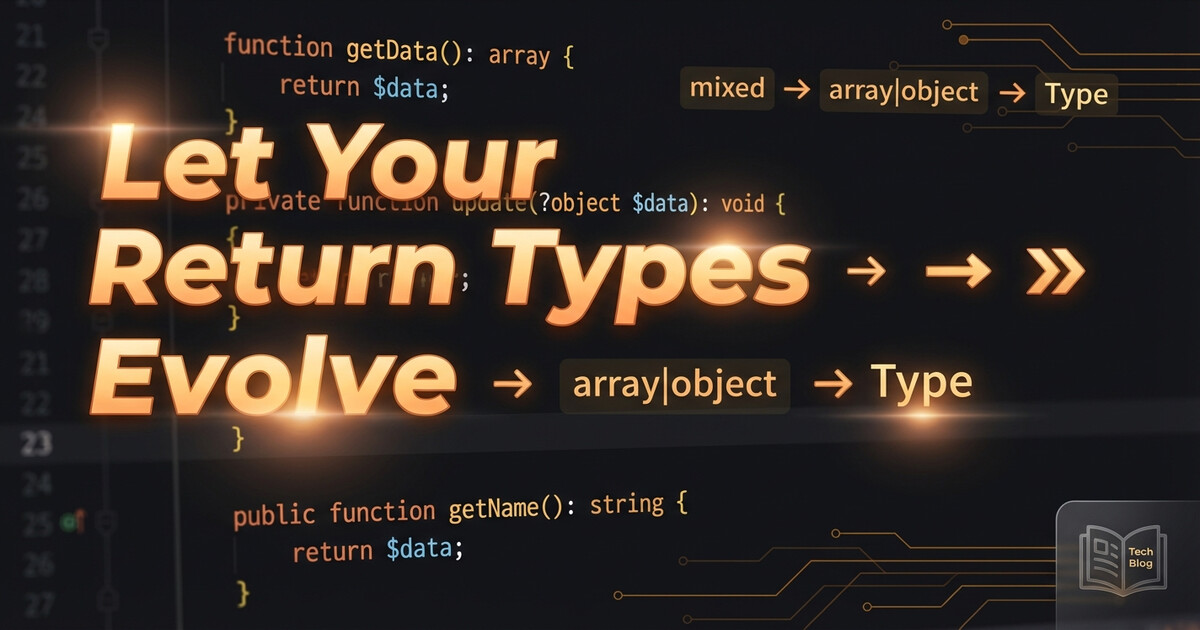
    Here’s a pattern I keep seeing in real codebases: a method starts returning bool, then requirements grow, and the return type evolves through several stages. Each stage tells you something about what the method is actually doing.

    Stage 1: The Boolean

    public function validate(array $data): bool
    {
        if (empty($data['email'])) {
            return false;
        }
        
        // ... more checks
        
        return true;
    }

    Simple. Did it work? Yes or no. But the caller has no idea why it failed.

    Stage 2: true or String

    public function validate(array $data): true|string
    {
        if (empty($data['email'])) {
            return 'Email is required';
        }
        
        if (!filter_var($data['email'], FILTER_VALIDATE_EMAIL)) {
            return 'Invalid email format';
        }
        
        return true;
    }

    Now the caller gets context. true means success, a string means “here’s what went wrong.” The true type (PHP 8.2+) makes this explicit — you can’t accidentally return false.

    The calling code reads naturally:

    $result = $validator->validate($input);
    
    if ($result !== true) {
        // $result is the error message
        throw new ValidationException($result);
    }

    Stage 3: Array or String

    public function process(array $items): array|string
    {
        if (empty($items)) {
            return 'No items to process';
        }
        
        $results = [];
        foreach ($items as $item) {
            $results[] = $this->transform($item);
        }
        
        return $results;
    }

    The method got smarter. On success it returns structured data, on failure it returns why. The union type documents this contract right in the signature.

    When to Use Each

    • bool — When the caller truly only needs yes/no (toggle states, feature flags, existence checks)
    • true|string — When failure needs explanation but success is just “it worked”
    • array|string — When success produces data and failure needs explanation

    The Takeaway

    If you find yourself adding error logging inside a method that returns bool, that’s the signal. The method wants to tell you more than just true/false. Let the return type evolve to match what the method actually knows.

    Union types aren’t just a PHP 8 feature to know about — they’re documentation that lives in the code itself. When you see true|string, you immediately know: success is silent, failure talks.

  • Use Playwright to Reverse-Engineer Undocumented APIs

    Use Playwright to Reverse-Engineer Undocumented APIs

    Need to integrate with an API that has no documentation? Use Playwright to capture exactly what the browser sends, then replicate it.

    The Approach

    Open the web application in Playwright, perform the action you want to automate, and capture every network request:

    const { chromium } = require('playwright');
    
    const browser = await chromium.launch({ headless: false });
    const page = await browser.newPage();
    
    // Capture all requests
    page.on('request', request => {
        console.log(JSON.stringify({
            url: request.url(),
            method: request.method(),
            headers: request.headers(),
            postData: request.postData(),
        }, null, 2));
    });
    
    await page.goto('https://app.example.com/login');
    // Perform login, navigate, trigger the action you need

    What You Get

    Every header, every cookie, every POST body — exactly as the browser sends them. Copy these into your HTTP client (Guzzle, cURL, whatever) and you have a working integration.

    Pro Tips

    • Copy ALL headers — APIs sometimes check Sec-Ch-Ua, Priority, and other browser-specific headers
    • Watch the auth flow — OAuth redirects, token exchanges, cookie chains are all visible
    • Record, don’t guess — Even “documented” APIs sometimes behave differently than their docs say

    Takeaway

    When docs don’t exist (or lie), let the browser show you the truth. Playwright captures the exact HTTP conversation — just replicate it in your code.

  • Use Match Expressions for Clean API Enum Mapping

    Use Match Expressions for Clean API Enum Mapping

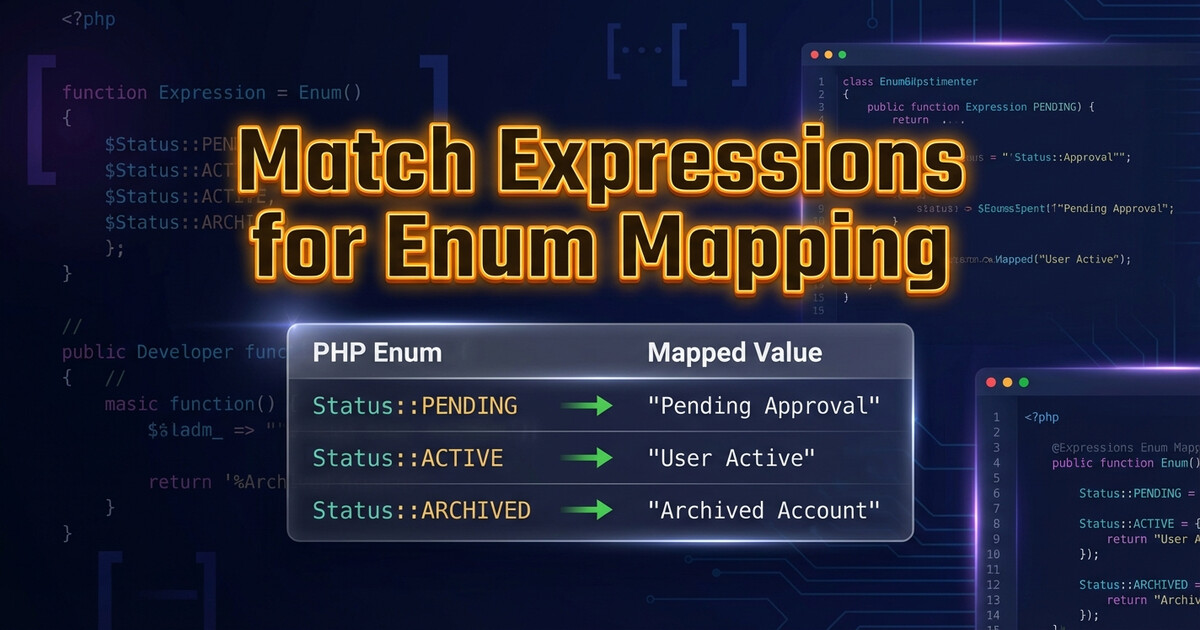
    Mapping between your internal enums and an external API’s codes? PHP 8’s match() expression was built for this.

    The Old Way

    // ❌ Verbose and error-prone
    function mapStatus(string $apiCode): string {
        if ($apiCode === 'ACT') return 'active';
        if ($apiCode === 'INA') return 'inactive';
        if ($apiCode === 'PND') return 'pending';
        if ($apiCode === 'CAN') return 'cancelled';
        throw new \InvalidArgumentException("Unknown code: $apiCode");
    }

    The Clean Way

    // ✅ Exhaustive, readable, safe
    function mapStatus(string $apiCode): string {
        return match($apiCode) {
            'ACT' => 'active',
            'INA' => 'inactive',
            'PND' => 'pending',
            'CAN' => 'cancelled',
            default => throw new \InvalidArgumentException(
                "Unknown status code: $apiCode"
            ),
        };
    }

    Why match() Is Better

    • Strict comparison — no type juggling surprises
    • Expression, not statement — can assign directly to a variable
    • Exhaustive default — forces you to handle unknown values
    • Readable — the mapping is a clean lookup table

    Takeaway

    Use match() for any code-to-value mapping. It’s cleaner than if/else chains, safer than arrays (because of the default throw), and reads like a lookup table.

  • Extract Cookie Domain from URL — Don’t Hardcode It

    Extract Cookie Domain from URL — Don’t Hardcode It

    Sending cookies to an API? Don’t hardcode the domain. Extract it from the URL instead.

    The Problem

    // ❌ Hardcoded domain — breaks when URL changes
    $cookieJar->setCookie(new SetCookie([
        'Name' => 'session',
        'Value' => $token,
        'Domain' => 'api.example.com',
    ]));

    Hardcoded domains break the moment someone changes the base URL in config, or you switch between staging and production environments.

    The Fix

    // ✅ Extract domain dynamically
    $baseUrl = config('services.api.base_url');
    $domain = parse_url($baseUrl, PHP_URL_HOST);
    
    $cookieJar->setCookie(new SetCookie([
        'Name' => 'session',
        'Value' => $token,
        'Domain' => $domain,
    ]));

    parse_url() with PHP_URL_HOST gives you just the hostname — no protocol, no path, no port. Clean and environment-agnostic.

    Takeaway

    Any time you need a domain, host, or path from a URL — use parse_url(). It handles edge cases (ports, trailing slashes, query strings) that string manipulation misses.

  • UUID v1 for Sessions, UUID v4 for Requests

    UUID v1 for Sessions, UUID v4 for Requests

    Not all UUIDs are created equal. When you need to replicate how a browser or external system generates identifiers, the version matters.

    UUID v1 vs v4

    UUID v4 is random — great for request IDs where uniqueness is all you need:

    use Ramsey\Uuid\Uuid;
    
    // Each request gets a unique random ID
    $requestId = Uuid::uuid4()->toString();
    // e.g., "a1b2c3d4-e5f6-4a7b-8c9d-0e1f2a3b4c5d"

    UUID v1 is time-based — useful for session IDs where sortability and temporal ordering matter:

    // Session ID that encodes when it was created
    $sessionId = Uuid::uuid1()->toString();
    // e.g., "6ba7b810-9dad-11d1-80b4-00c04fd430c8"

    When to Use Which

    • v4 (random): Request IDs, correlation IDs, idempotency keys — anything where uniqueness matters but order doesn’t
    • v1 (time-based): Session IDs, event IDs, audit logs — anything where you want to sort by creation time or match sequential behavior

    Takeaway

    Match the UUID version to the lifecycle. Random for one-off requests, time-based for persistent sessions. It’s a small detail that makes debugging much easier when you’re tracing requests through logs.

  • Don’t Hardcode Cache TTL — Use What the API Tells You

    Don’t Hardcode Cache TTL — Use What the API Tells You

    Working with an API that returns authentication tokens? Don’t hardcode the cache TTL. The API already tells you when the token expires — use it.

    The Common Mistake

    // ❌ Hardcoded — what if the API changes expiry?
    Cache::put('api_token', $token, 3600);

    Hardcoding means your cache could expire before the token does (wasting API calls) or after it does (causing auth failures).

    The Fix

    // ✅ Dynamic — uses what the API tells you
    $response = Http::post('https://api.example.com/auth', [
        'client_id' => config('services.api.client_id'),
        'client_secret' => config('services.api.client_secret'),
    ]);
    
    $data = $response->json();
    $token = $data['access_token'];
    $expiresIn = $data['expires_in']; // seconds
    
    // Cache with a small buffer (expire 60s early)
    Cache::put('api_token', $token, $expiresIn - 60);

    The expires_in field is there for a reason. Subtract a small buffer (30-60 seconds) to avoid edge cases where your cache and the token expire at the same instant.

    Takeaway

    Let the API dictate your cache duration. It’s one less magic number in your codebase, and it automatically adapts if the provider changes their token lifetime.