Table of Contents
You see supervisord running as root inside your Docker container and your security instinct screams. But hold on — this is actually the correct pattern.
The Misconception
Running processes as root in containers is generally bad practice. But supervisord is a process manager — it needs root to do its job properly:
- It spawns and manages child processes
- It needs to set the
userdirective on each child - It handles signal forwarding, restarts, and logging
The Key Insight
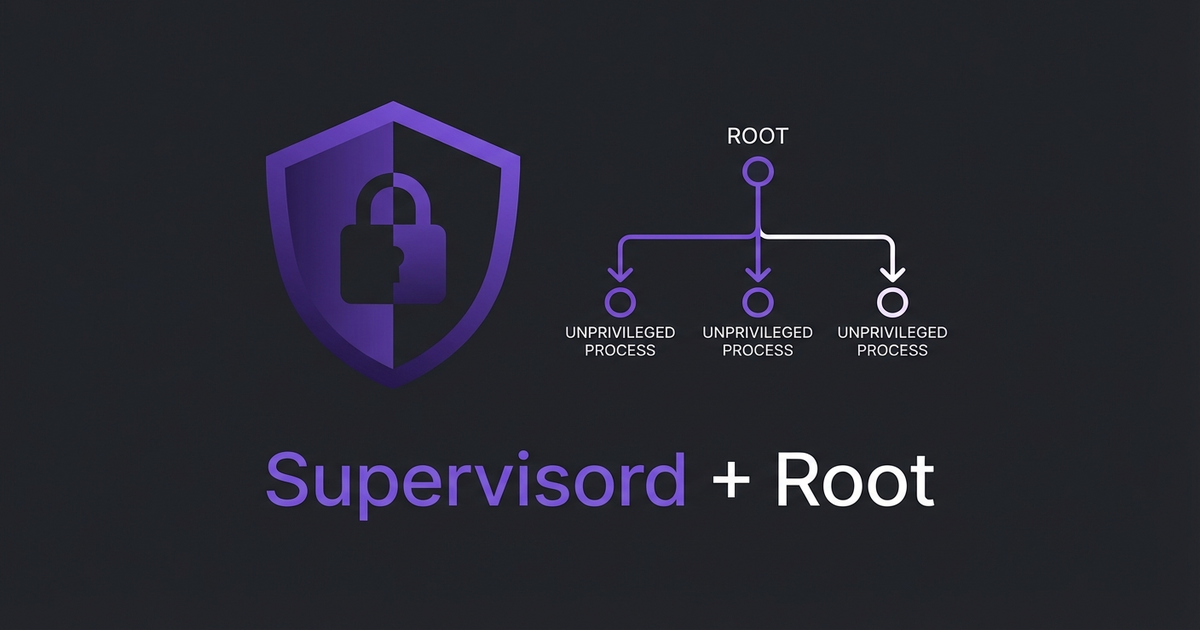
Supervisord runs as root, but your actual application processes don’t have to. Each program block can specify its own user:
[program:app]
command=/usr/bin/php artisan serve
user=www-data
autostart=true
autorestart=true

[program:worker]
command=/usr/bin/php artisan queue:work
user=www-data
autostart=true
autorestart=true
The parent (supervisord) runs privileged so it can manage the children. The children run unprivileged. This is the same model as systemd, init, or any other process manager on Linux.
When to Worry
If your supervisord config has programs running without a user directive, they inherit root. That’s the actual security risk — not supervisord itself. Always explicitly set user= on every program block.
The pattern is simple: privileged parent, unprivileged children. Don’t fight it — just make sure the children are locked down.
Leave a Reply